
More ways to inspect. Fewer steps to finish.
Four report types in the field app, replies from builders and trades that come back item by item, your own booking page, and signed documents for practices that need them. Here is everything that is new, and which plan it comes with.
- Free: In the field app, on every plan
- Pro & Expert: New for Pro and Expert members
- Expert: New for Expert members
In the field app
Choose the report that fits the job. The app lays itself out for it, in portrait or landscape.
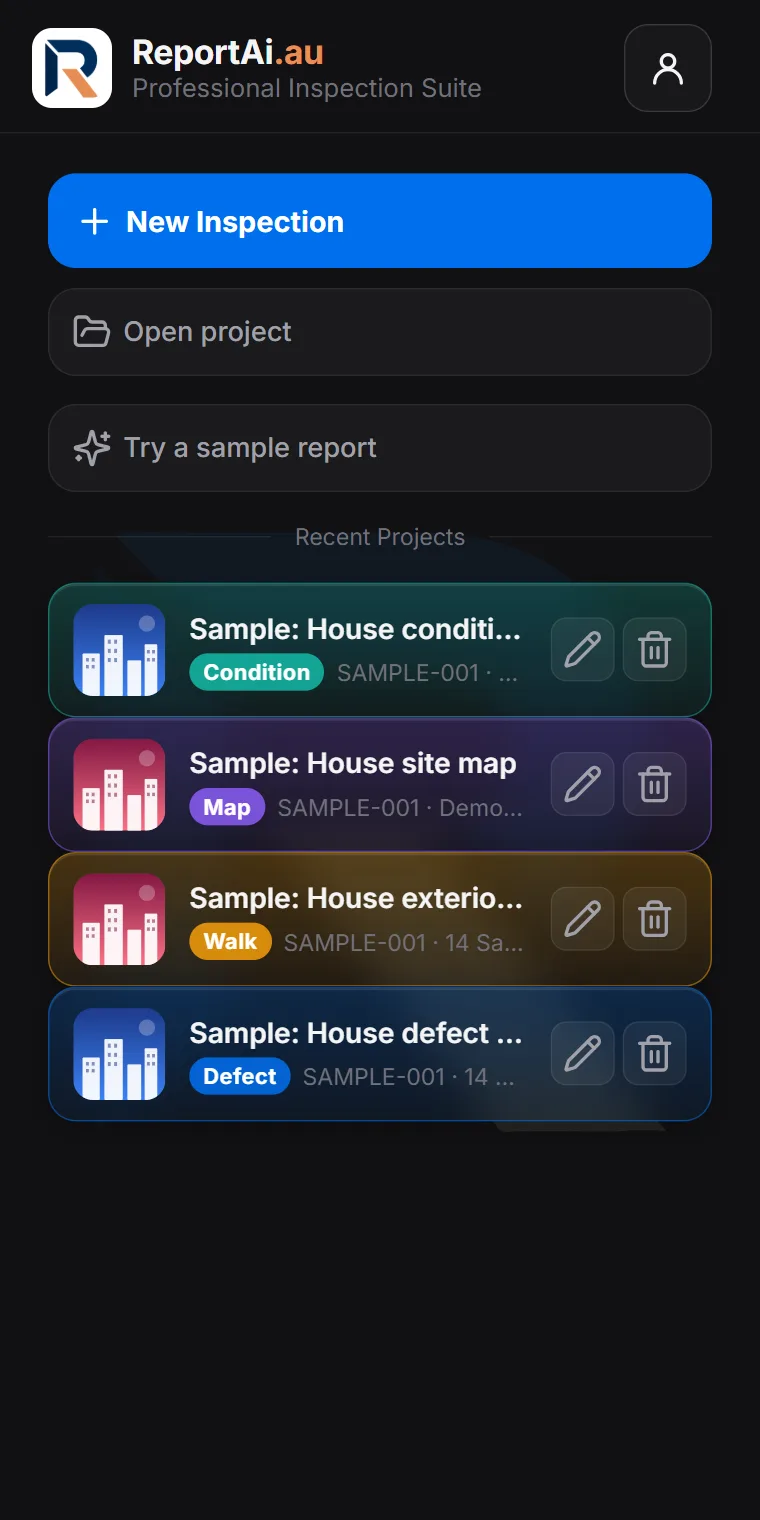
Four report types (Free)
Defect reports on a plan, condition reports that rate every element room by room, free site walks with photos and voice notes, and site map reports with each stop pinned on a real map. Your projects are colour-coded by type, so the one you need is easy to find.
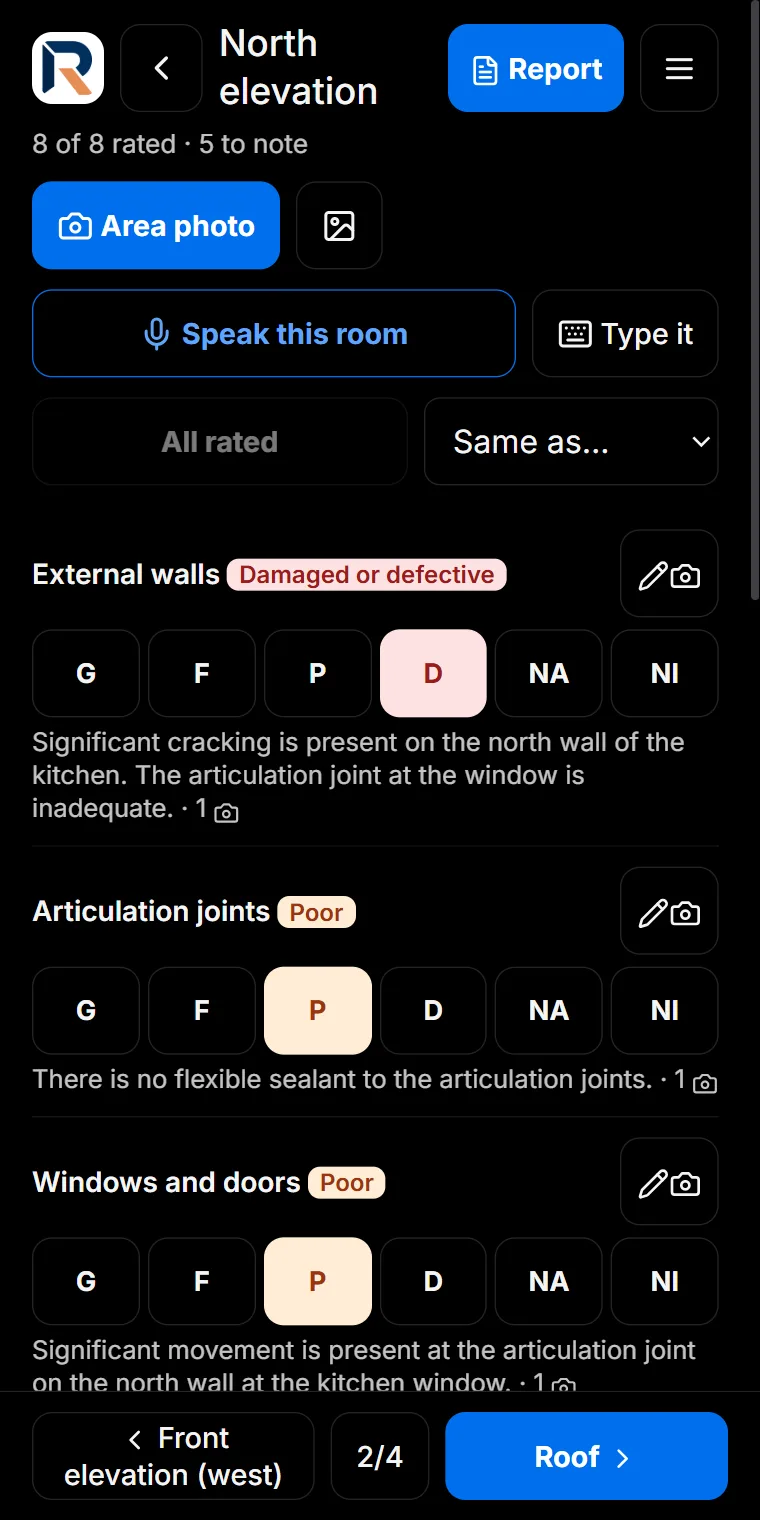
Condition reports (Free)
Rate each element Good, Fair, Poor or Damaged, add a photo and a comment where it matters, and move area by area. The report is built from your ratings, with presets for rentals, handovers, dilapidation and more.
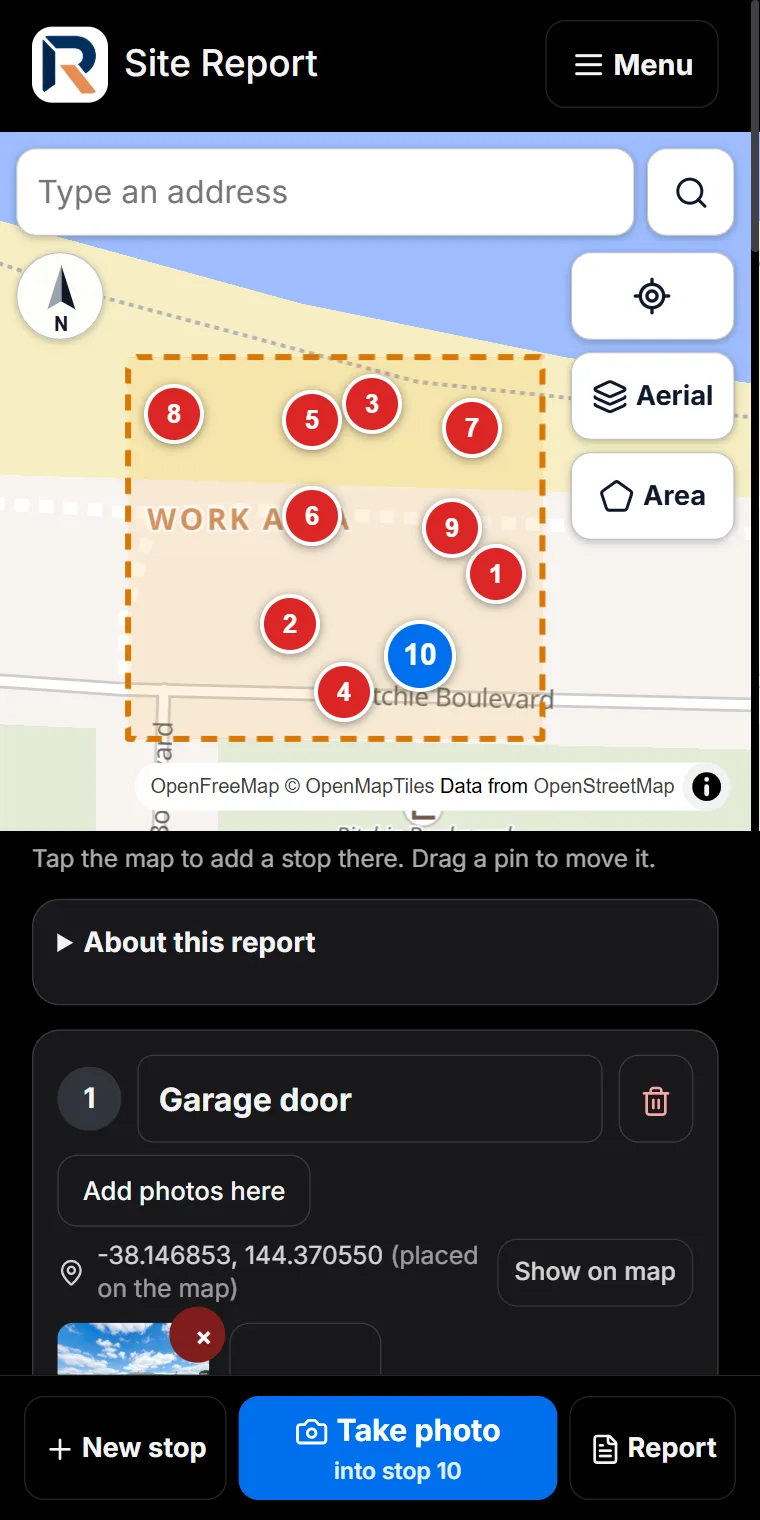
Site walk and site map reports (Free)
No plan needed. Walk the site and add a stop wherever you find something, or drop each stop on a real map and outline the work area. Both print as a Site Report.
Check before you send, and send as a PDF (Free)
Before a report goes out, the app checks for missing photos, dates after the inspection and comments that contradict the rating. Then send it to your client as a PDF by email or any app.
Sign in with Google, notifications on your phone (Free)
Sign in with your Google account in one tap, and get a notification when someone replies to a report you shared or books an inspection.
English and Arabic (Free)
The whole app, its sample reports and its reports work in Arabic as well as English, right to left.
An AI-written report for every type (Pro & Expert)
Condition, walk and map reports now get an AI-written report as well, built from your ratings, photos, notes and voice notes, for you to check and issue under your name.
Work with the people around the job
The report stops being the end of the job and becomes the place where it gets finished.
Share a report and collect replies (Pro & Expert)
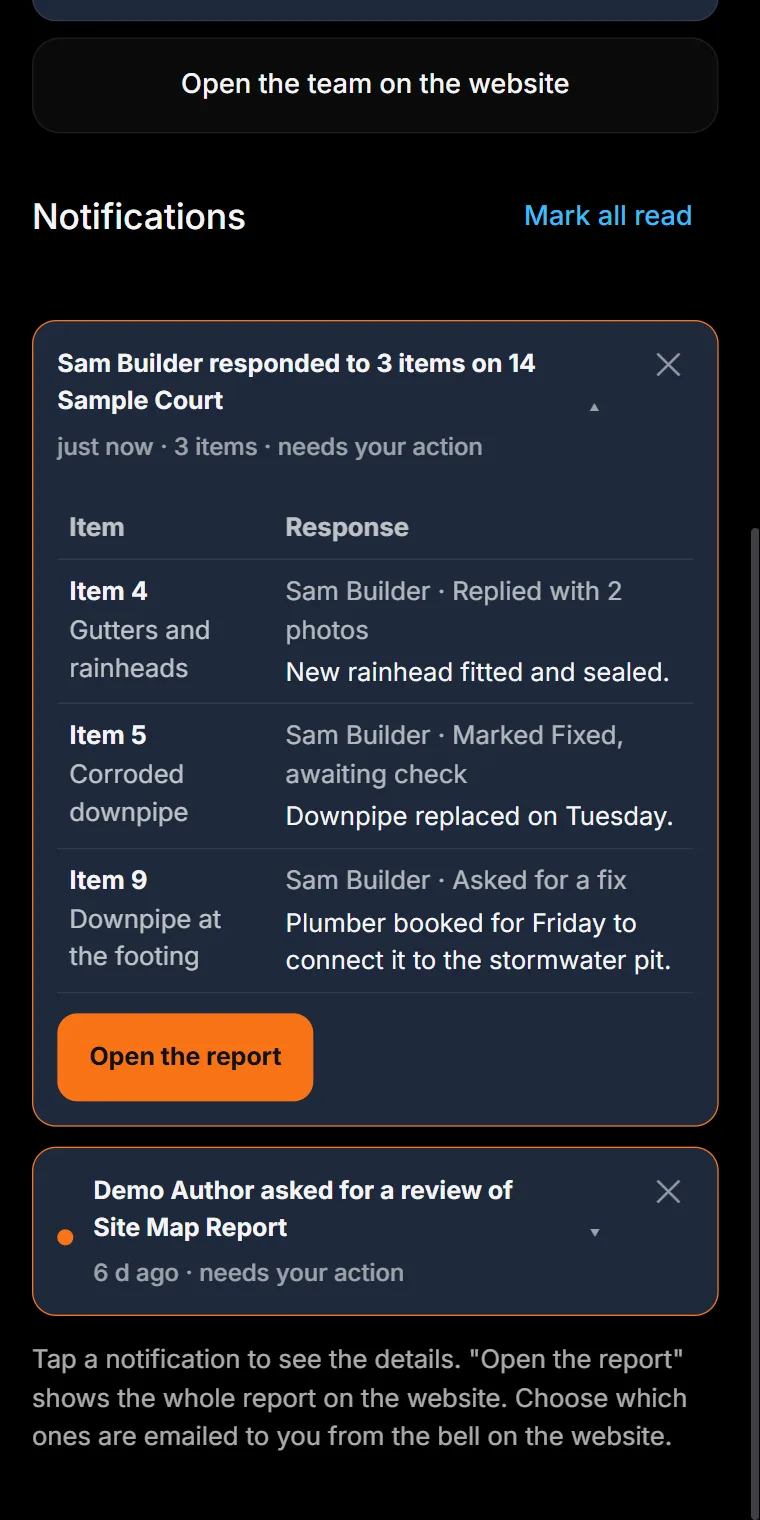
Send a report to the builder, owner, trades or engineer. Each person sees the items assigned to them, replies with notes and photos, and marks them in progress or fixed. Replies come back item by item, in a short notification that opens into a table.
Team review before a report goes out (Pro & Expert)
Invite inspectors and reviewers to your team. A reviewer approves a report or asks for changes before it reaches the client.
Run the business side
From the first enquiry to the signed paperwork, without leaving ReportAI.
Your own booking page (Pro & Expert)
Clients choose a service and a time on your booking page. You accept or decline from your phone, they get a calendar invitation, and the booking can start the inspection in the field app.
Quotes and card deposits (Pro & Expert)
Price a job and send the quote; the client accepts it online. Take a deposit or full payment by card through Stripe, paid into your own Stripe account (Stripe’s fees and a 1% ReportAI fee apply).
Rental condition reports (Pro & Expert)
Issue entry and exit condition reports online. The renter reviews each item, agrees or adds a comment and photo, and signs; the returned report is kept with yours.
Documents and e-signing (Expert)
Send agreements and pre-inspection documents for signature. The client signs on any device, and a signed copy with its record is kept for you.
Try it on a sample report
Open the field app and choose Try a sample report: a defect, condition, walk or map report, filled in and ready to explore. Open the field app · Compare plans
Questions
Are the new report types free?
Yes. Defect, condition, site walk and site map reports, sending a report as a PDF, the checks before you send, Google sign-in, notifications and Arabic are all in the field app on every plan, including Free. The AI-written report is part of Pro and Expert.
Which new features need Pro?
Sharing reports for replies, team review, online bookings with quotes and card deposits, and rental condition reports on the website come with Pro and Expert. On a free account they are shown locked.
What is only in Expert?
Documents and e-signing, alongside the court reports and your firm’s own Word templates that were already part of Expert.
Do the people I share a report with need an account?
No. Builders, trades and owners open the report from the link in their email and reply without signing up. Signing up lets them see every report shared with them in one place.
Home · What is ReportAI · For homeowners · For builders · Expert witness reports · For organisations · Savings calculator · Pricing · FAQ · About · Find an inspector · Field notes · Contact · Create an account · Sign in · Terms · Privacy · Refunds
reportai.au is a report documentation tool. It does not carry out inspections, does not assess or certify the condition of any building, and does not provide engineering services. Reports are AI-assisted drafts prepared for the inspecting engineer to check, correct, and sign off. All professional judgement remains yours.
Aiman Salem, trading as ReportAi.au · ABN 95 973 765 172 · admin@reportai.au · Prices in Australian dollars.